Best Online Form Builder for 2026
It might not be too late to celebrate resolution, make a promise to turn your website traffic into actual leads. It is time now to step up your form builder.
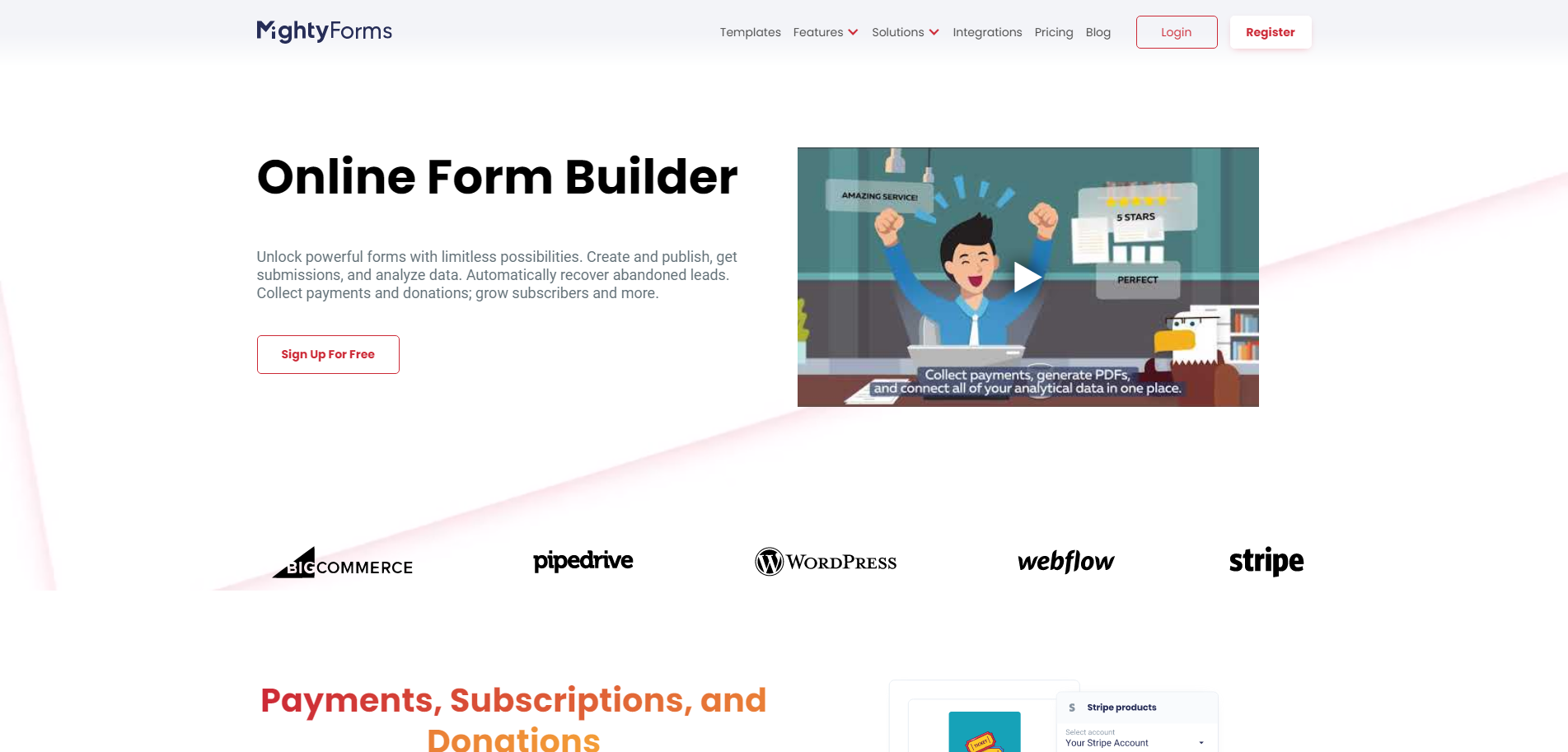
It might not be too late for New Year’s resolution, so make a promise to turn your website traffic into actual lead generation this year. Maybe you have already improved its layout; implemented tactics to drive traffic; enhanced its SEO and SEM; boosted promotion and yet, you’re still not getting results expected from your website. It is time now to step up your form builder game and crush it with a killer call-to-action!
There are many reasons why you need an online form embedded on your website. Whether it is a “contact us” form; newsletter signup; an event registration form; a feedback form; a job application form; a sales contact form; an order/payment form; an account setup form; a contest registration; a donation form; among endless creative purposes that you might consider providing a form for your visitors, all aim at one goal: get people to fill out and submit your form.
However, getting people attracted to your form and compelled to give out information is tricky. If your online form is not clear, intuitive and easy, people will most likely give up even when interested in your offer. So, make your online form irresistible. Make it functional and highly responsive. Let us go over the 20 best form builder tools and best form creator softwares out there that will easily and quickly deliver fail-proof online forms.
Top 20 Online Form Builder Tools
- FormBuilder
- Wufoo
- TypeForm
- JotForm
- 123FormBuilder
- Cognito Forms
- Google Forms
- Microsoft Forms
- HubSpot’s Free Online Builder
- Gravity Forms
- Formstack
- Paperform
- Formsite
- Tally
- Zoho Forms
- Pabbly Form Builder
- Form Tools
- Clearbit Forms
- FormKeep
- Conversational Form
Isn’t it amazing when we have options to choose from? So many great form builder tools out there, that the problem becomes which one to pick! The decision comes down to what is the purpose of having an online form on your website so you select one that will best deliver the results expected.
Some basic factors should help you filter through those options and discard some of the form creator softwares. The best online form builders are intuitive and easy to navigate. It should offer attractive and beautiful layouts that are also quickly customizable. Don’t forget to look for form builders that create responsive mobile versions of your form.
Now when it comes to shortlisting the very best online form builders, then advanced features should be considered. The ultimate list below, cover all basic features, plus sophisticated capabilities. The best online forms should offer seamless integration with other platforms (like WordPress, Wix or Google), high security and strong automation. Check out our top 20 online form builders:
FormBuilder
The reason why we mention our very own online form builder first is that FormBuilder is the most complete package of them all for the price. FormBuilder was created to answer the form related problems that others couldn’t solve. FormBuilder was developed by users for users to fill in the gaps and make productivity soar with workflow automation.
First of all, the FormBuilder interface is very intuitive and invites you to play the role of a creative designer on a clean dashboard that doesn’t leave you guessing on what to do next. The drag-and-drop editor gives you the freedom to play around and reposition any field, so you can create your form just how you like it and need it. If you’d rather not start from scratch, describe the form you need and the AI form generator drafts it for you, or import an existing form from a PDF, a URL, Jotform or Typeform.
Besides offering fully customizable design options, FormBuilder delivers big when it comes to powerful features and functionalities: conditional logic, multi-page forms, file uploads, signature and calculation fields, Stripe payments, scheduled and password-protected forms, and form analytics. Forms embed on any platform, including WordPress, Wix, Shopify, Squarespace and Webflow, with a snippet or a link.
And it lets you automate the whole process, with email notifications, an automatic confirmation email to each respondent, a native Google Sheets sync, webhooks and 6,000+ apps through Zapier, so you won’t need to keep accessing your account in order to be updated or to manually control everything. The free plan includes 5 active forms and 100 responses per month with no credit card; Pro is $39 per month with a 14-day free trial. Prices checked September 2026.
Wufoo
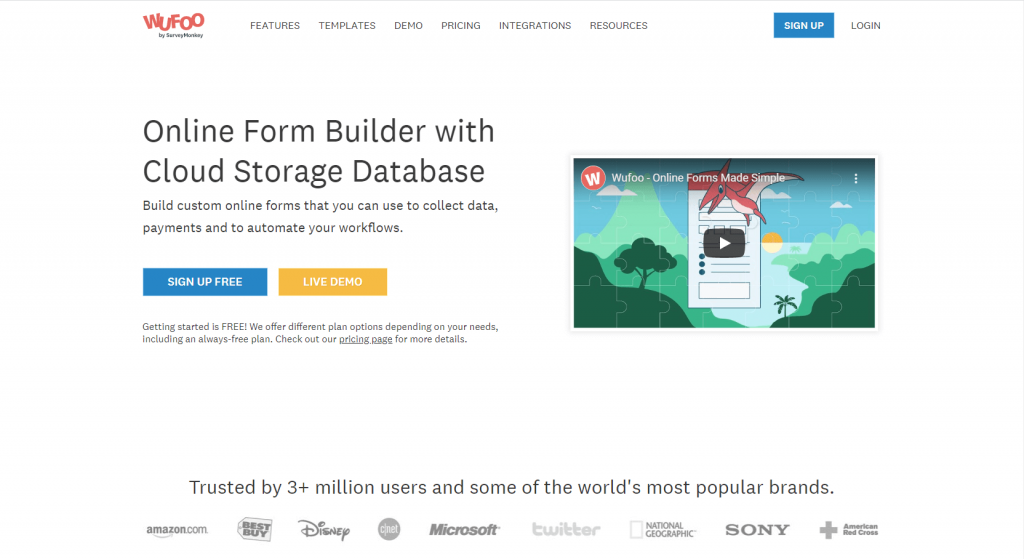
One of the oldest online form builders available, Wufoo may be a well-known name among all players and certainly paved the way for more complex form tools to come out. Powered by SurveyMonkey, Wufoo has proven over all these years to be a reliable form builder for your basic needs.
The simplicity of its designs contributes to Wufoo’s usability. It is very easy to edit and customize your forms with this form creator. With over 400+ form templates, according to the Wufoo gallery search, you get a head start to quickly generate a suitable form. If the standard templates are not enough, you may customize it further with CSS coding.
Wufoo offers basic form building, sharing and data collection with their free plan, which is capped at 5 forms, 100 entries and 10 fields per form. But there are different paid plans, starting at $16.25 per month billed annually, for more complex needs, like automation of workflow, payment collection, and access for additional users.
TypeForm
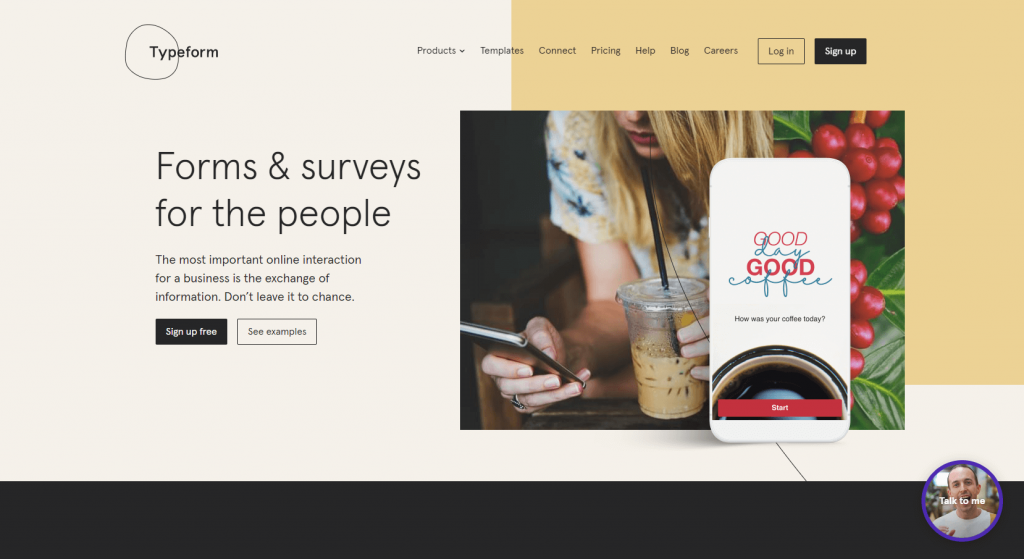
This Spanish online form builder prioritizes beautiful designs above all, which makes TypeForm great for a chat box or one-question-at-a-time conversational forms. It definitely has an appeal for non-traditional businesses or independent professionals and tutors.
TypeForm focuses on the experience of the visitor, so if you need to elegantly extract data, then their interface makes it subtle. Their free plan offers beautiful customizable designs, allowing for pop up images, GIFs, and video, with unlimited forms but only 100 responses a month. With the paid plans, starting at $28 per month for Basic, you can unlock other grown-up features, like AI form creation, conditional logic, integrations and, on the Business plan, drop-off analytics.
Even though it might not be an option for all types of form and business needs, TypeForm will translate very well to touchscreen devices, such as mobile phones and tablets. If you’re looking for adding your own personality into a form, then TypeForm will help you create a unique design and a friendly vibe.
JotForm
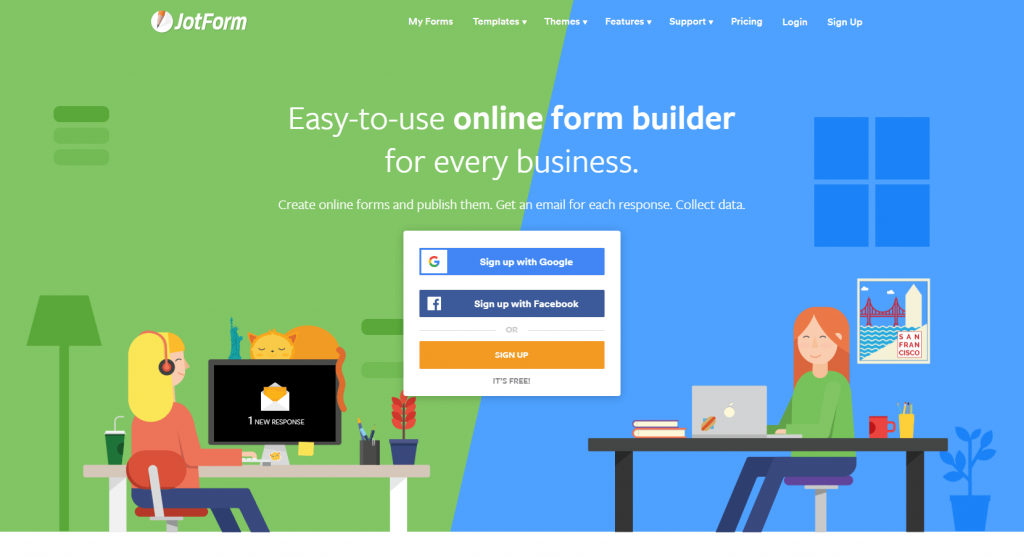
This online form builder praises itself for being very flexible, and JotForm can indeed be quite versatile. With well over a decade in the market, JotForm offers more than 20,000 form templates.
JotForm’s free Starter plan allows 5 forms and 100 submissions a month, branded with their logo though. Paid plans run from $39 to $129 per month. Further integration and customization can be unlocked with their paid plans, including a HIPAA conformity shield suitable for those looking for a reliable and confidential medical survey form.
This online form tool can be the choice for those looking to customize every detail of a form since JotForm offers hundreds of widgets. You can add an e-signature widget to collect electronic signatures for legal papers, generate a form with its AI from a description, or add a timer, to tell visitors how long it takes to fill out your form, for instance. You might not quickly create an online form on the go, but JotForm definitely lets you be very specific with it.
123FormBuilder

As the name suggests, 123FormBuilder promises that a form can be quickly created as easy as, well, 1, 2, 3! So, if time is of the essence and all you need is a simple basic form, then 123FormBuilder can easily guide you with their drag-and-drop editor.
There is a simple range of templates to choose from, so you can get a head start before adjusting fields and sizes. 123FormBuilder focus heavily relies on efficiency and performance over design, so it might not be an attention grabber, but it still delivers results.
Their free plan only covers the basics (1 form with 10 fields, no rules or payments), and their paid plans offer a bit more freedom. For enterprises, 123FormBuilder also has tailored corporate solutions for several industries.
Cognito Forms
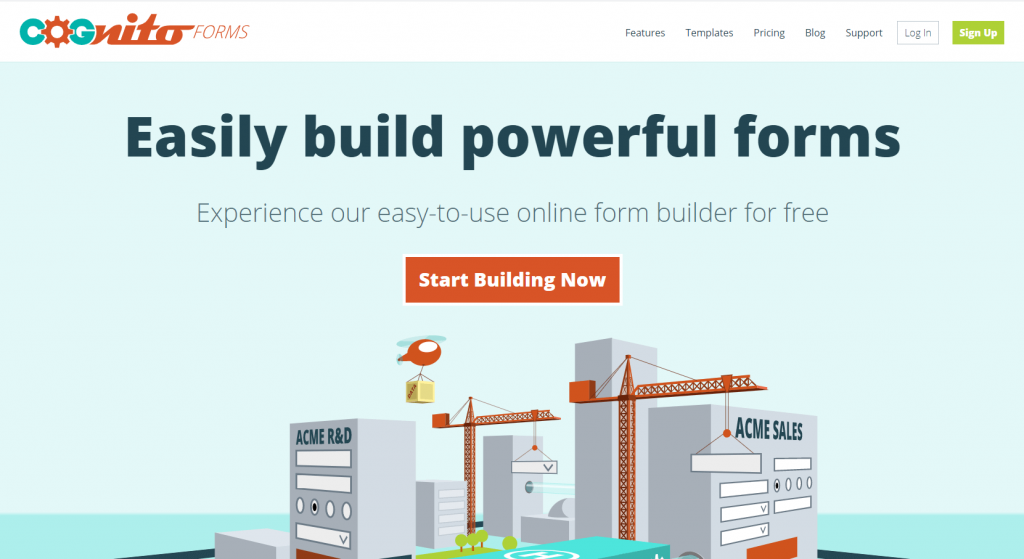
Cognito Forms is an online form builder aimed at providing basic form designs but pumped up with powerful features. Therefore, even with their free plan (unlimited forms, 100 entries a month), you can create forms with calculated fields, file upload, conditional logic, repeating sections and even payments to quickly solve your business needs.
If you choose an upgraded paid plan, starting at $19 per month billed annually, then Cognito Forms unlocks electronic signatures, save and resume, workflow automation and, on the Enterprise plan, HIPAA compliance, for instance. This form builder is suitable for those looking for sound conditional logic forms focused on data collection.
Cognito might be the choice if you expect a heavier flow of submissions because it allows for multiple users to update entries without the need to be logged in, which is great for handling orders, for instance.
Google Forms
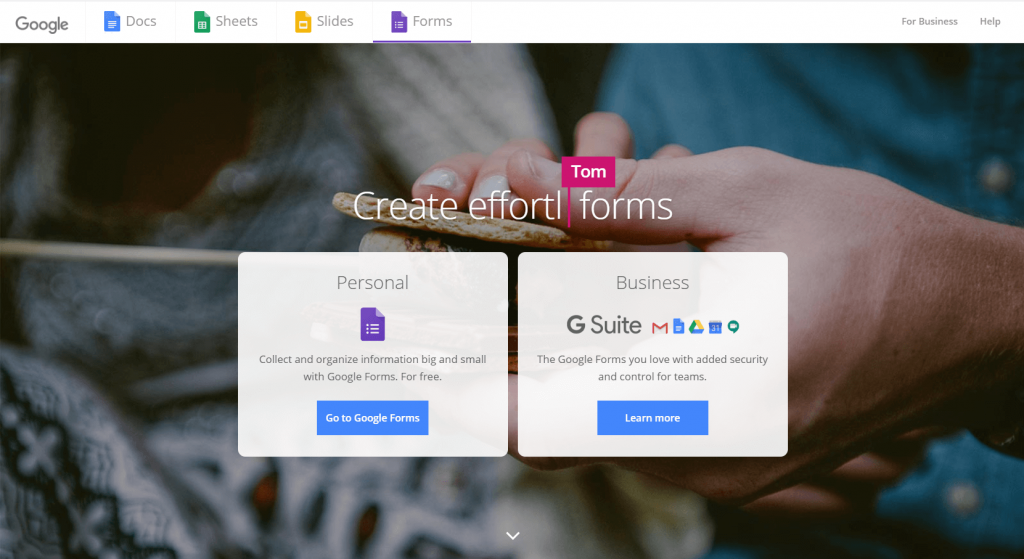
Probably the most democratic choice in this list is the free online form builder by Google. By that, we mean that Google Forms allows you to quickly create basic forms and survey forms to be easily embedded on web pages or direct visitors to your hosted forms with a link.
The upside of Google Forms is that it is entirely free, all you need is a Google account to log in, which integrates your forms with Google Sheets for analysis with no sweat since it is all in the family. The downside, however, is that Google Forms is limited.
You won’t be able to add a payment system, for example, so if you’re selling products or services on your website, Google Forms might not be the way to go. Same if your main goal is lead generation. However, Google Forms excels if you need a quick survey form done fast because it allows for short and long answers text boxes.
Microsoft Forms
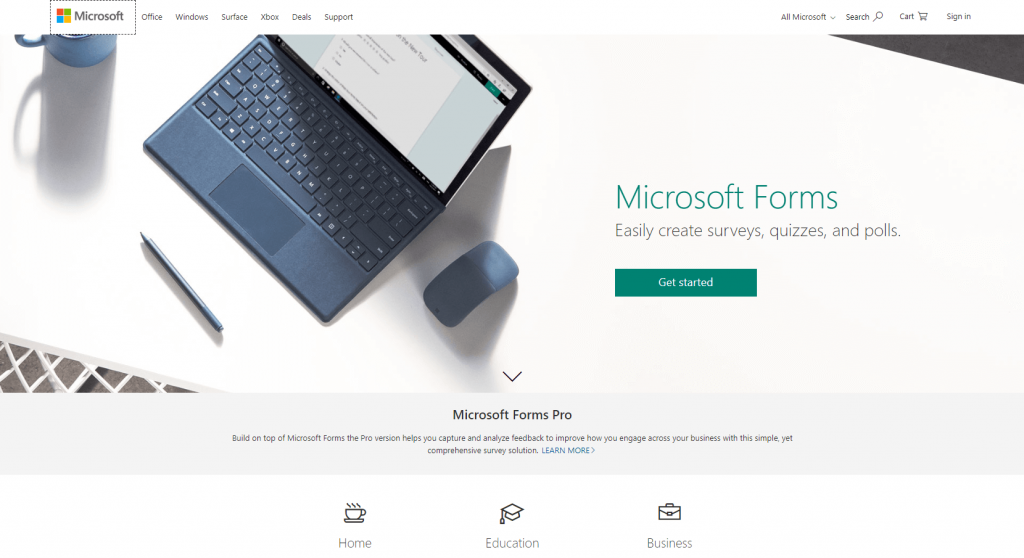
Another significant household name, this online form creator powered by Microsoft is ideal for getting feedback from your audience. Therefore, if you’re thinking of displaying a survey, a poll or a quiz form on your website, then this form builder will easily generate one.
Similar to Google Forms, which integrates seamless to Google Sheets, Microsoft Forms integrates smoothly to its beloved Excel from Microsoft Office Suite. But both form builders are best employed when creating online forms for gathering and analyzing data purposes.
You can access Microsoft Forms with a free Microsoft account, and it comes bundled with Microsoft 365 for work and school. Copilot can draft a form from a description if you have a Microsoft 365 Copilot licence. But the real-time data collection and analysis is free and fairly easy to set up with this online form builder.
HubSpot’s Free Online Builder
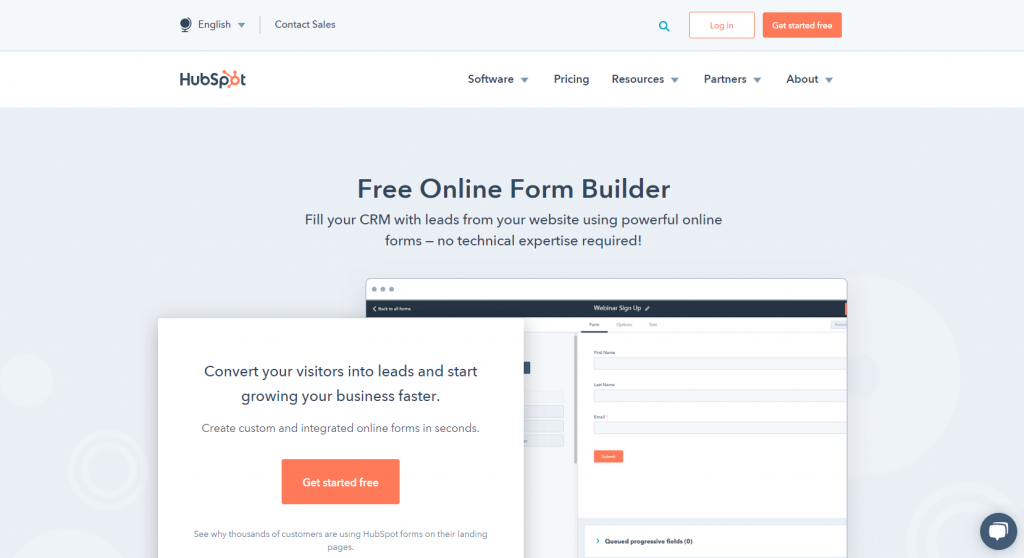
Part of the HubSpot Marketing Suite, this online form builder delivers a solid form solution free of charge. When combined with HubSpot CRM, if you are already a subscriber, then you can leverage customer data to implement other marketing initiatives, like direct mail, for example.
This free online form builder is best suited for starting businesses looking forward to nurturing customer relationships further. HubSpot’s free form builder gives you a drag-and-drop editor, templates, and basic analytics on views and submissions, with every lead landing in the free CRM.
If you upgrade to a paid Marketing Hub tier, you unlock conditional logic, multi-step forms and automatic follow up emails sent after visitors complete your form. The main focus here is the conversion of visitors into a sales lead. Also, this form creator software is available in Japanese, German, Spanish, Portuguese, and French, besides the English language.
Gravity Forms
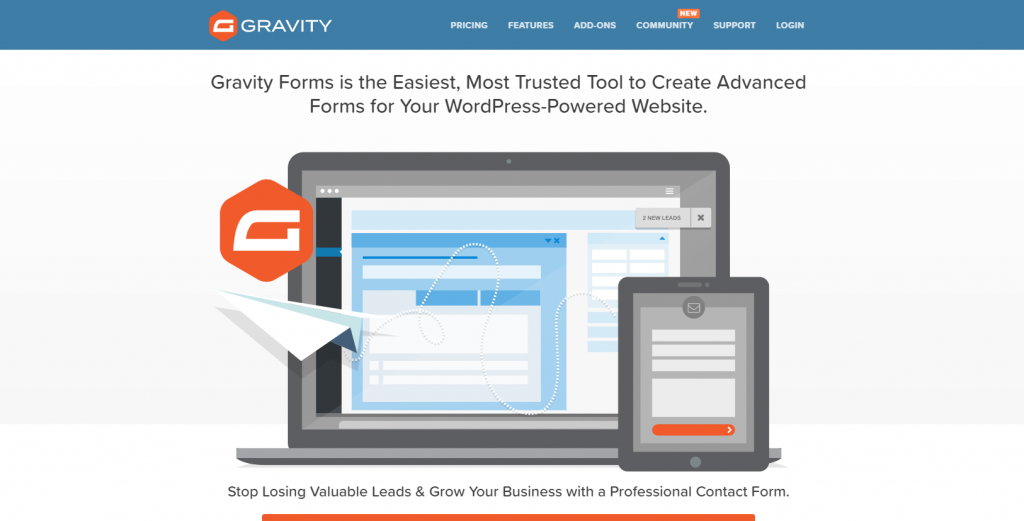
This online form builder is part of the WordPress plugin directory and it promises easy form-building along with your website publishing in the platform. There is no free version or trial, only an online demo; Gravity Forms is a paid online form builder that starts at $59 per year for a basic plan.
But if you need fancier features, it will cost you the Elite license ($259/year) to unlock extensive perks. You can get unlimited forms for unlimited entries for unlimited sites, which helps when handling a growing business. You’ll also have access to Elite Add-ons, such as payment integration with PayPal and Stripe and mailing list subscriber service with MailChimp.
Although Gravity Forms will deliver solid online form functionalities, especially if you are hosting your website on WordPress already, it doesn’t stand out as much from others on this list. However, since it is a paid service, you should expect full technical support to ease your mind in exchange.
Formstack

Formstack is an online form builder that might best suit regulated businesses. With the Forms plan at $99 per month (or $83 per month billed annually) for 25 forms and 1,000 submissions per form, plus a 14-day free trial, you can get form solutions tailored to promote workplace productivity. It allows you to follow closely each step and to easily set up an approval process for all of your submissions.
You may not get a variety of form field types that others might offer, but it will allow for an intuitive form building. However, when it comes to compliance, Formstack offers specific HIPAA and GDPR conformity for data security and confidentiality, besides e-signature collection add-on.
Another highlight with this online form builder is that Formstack offers an A/B testing tool, which means you can compare two versions of your form so you can select one that performs better. This may be very useful for a new product or new service launch when you’re still not sure how to approach your audience.
Paperform
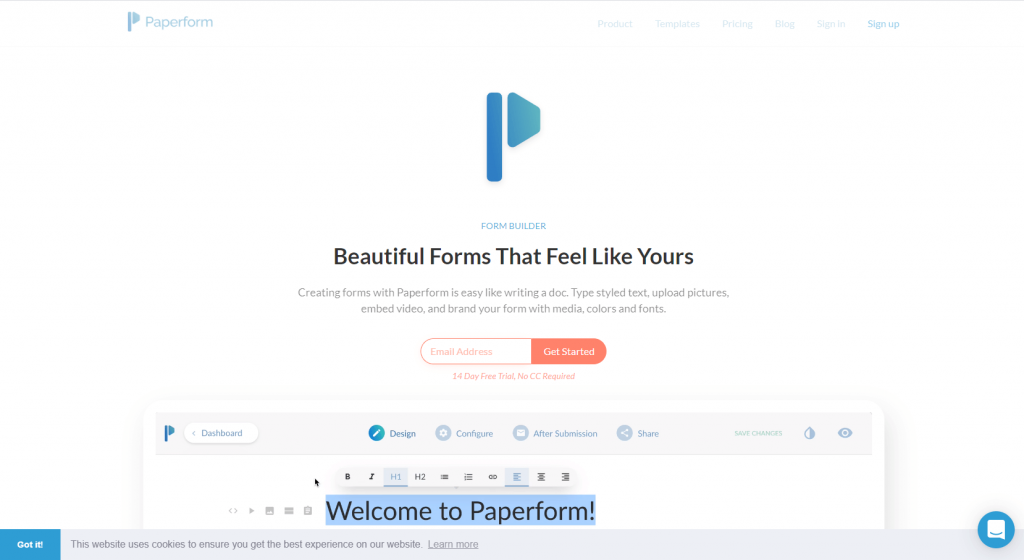
If you envision your online form being the centerpiece of your website, and not just embedded as part of it, then you might like Paperform. This online form builder is all about making forms look like landing pages, embellished with styled texts, headings, pictures, and videos.
With a free plan (30 submissions a month), paid plans from $24 to $99 per month, and a 7-day Pro trial, Paperform offers most of all known form features, like integration and payment collection, but in a non-traditional fashion. Specific purposes are covered by this form creator software, like restaurant reservations and product catalog alongside an order form.
The whole form building process feels like writing a blog post with Paperform and although it takes a bit longer to get your form done, with so many details to configure, it will produce a form that interacts pleasantly with your visitors. If workflow automation is needed, then it can be achieved with supported services like Zapier.
Formsite
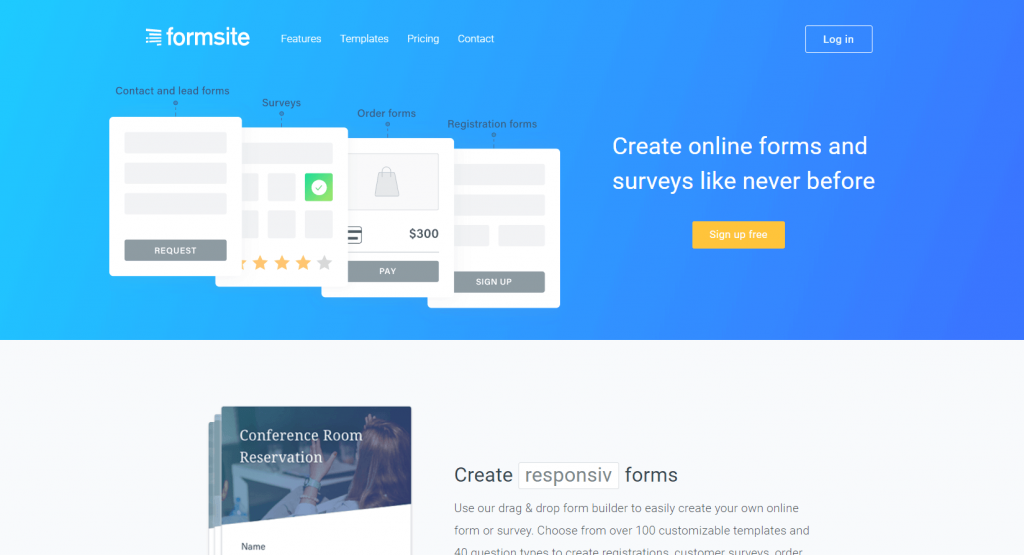
One of the most traditional online form builders in the market, Formsite was first released in 1999! Therefore, with that amount of experience, Formsite offers reliability when you need to create fuss-free plain but solid forms.
This pioneer online form builder promises high-security measurements if data encryption is a priority for you, especially for credit card information collection or job application forms, for example. Another highlight is Formsite ability to easily publish data results, as in a survey form or review form.
If you’re aiming for a more subdued design so it doesn’t fight with other content on your website, then Formsite will provide the basics even under their free plan (5 forms, 10 results per form). But if you need unlimited forms and submissions, then you might want to examine it further, because paid plans start at $21 per month for 5 forms and even the Enterprise plan at $209 per month is capped at 1,000 forms.
Tally
Tally takes a document-style approach to form building: you type your questions the way you’d write a note, and the form takes shape as you go. It has become a favourite of startups and independent professionals who want something quick and unfussy.
The free plan is unusually generous, with unlimited forms and submissions under a fair usage policy, and it includes conditional logic, calculations, payments, signatures, file uploads and integrations with Google Sheets, Notion, Airtable and Zapier.
Tally offers two paid plans, Pro at $24 per month and Business at $74 per month, which remove Tally branding, add custom domains, team collaboration, partial submission capture and drop-off analytics. If you outgrow the plain look or need deeper analytics out of the box, a fuller builder may suit you better.
Zoho Forms
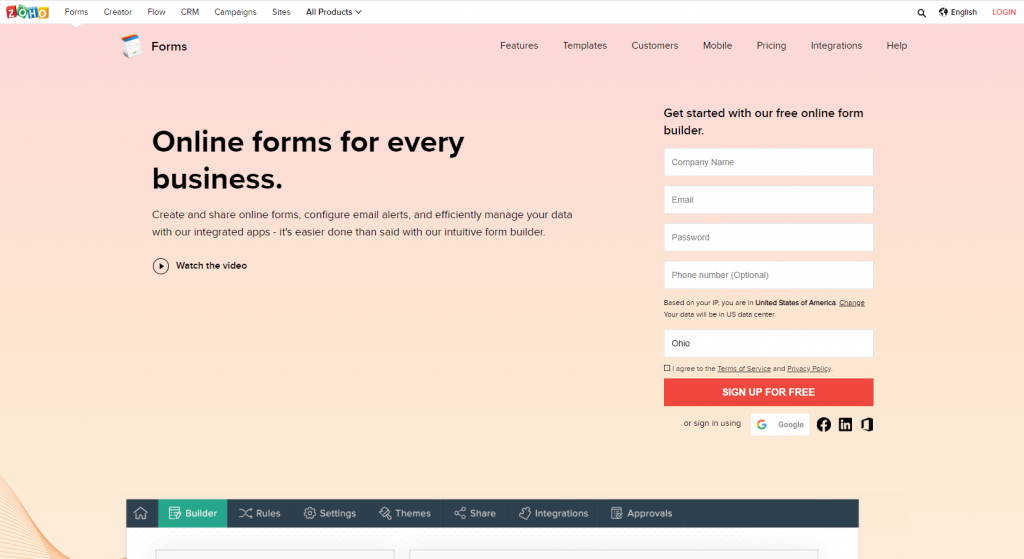
This online form creator software is part of the whole Zoho suite, and it reaches full potential when combined with Zoho CRM for integration. There is a free plan (1 user, 3 forms, 500 submissions a month) and individual paid plans from $12 per month.
This form creator software is best suited to businesses because Zoho Forms allows for multiple users, ideal for teams working on a project where response speed is needed. The main focus here is data collection that can be transformed into custom reports for business analysis.
In addition to being designed for teamwork, Zoho is also heavy on mobile work. This online form builder can be easily managed via mobile app, so your team can create, collect and collaborate on the project on the go.
Pabbly Form Builder
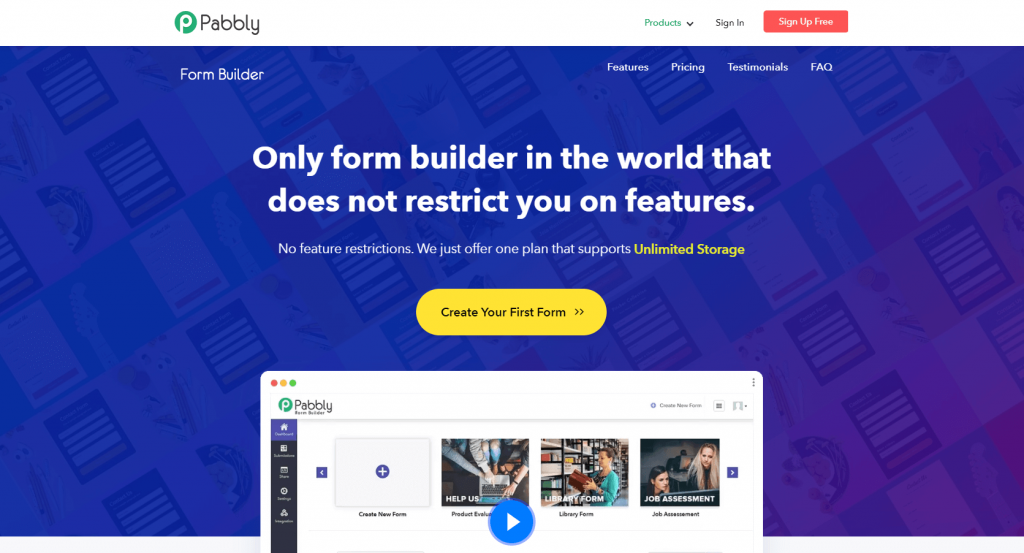
The sales pitch with this online form builder is that Pabbly promises any type of form building without any restrictions. The interface is simple to work with and all you need is to select a pre-built template and click on desired fields to be added.
The unrestricted feature promise across different Pabbly product versions can be appealing if you need many functionalities in one complete form. The free plan covers 1 form and 100 submissions, Standard is $19 per month for 3 forms with unlimited submissions, and Unlimited is $79 per month for unlimited forms, submissions and payments.
The per-form limits on the cheaper plans might not be an advantage if you need multiple forms for different projects, but the Unlimited plan is straightforward if you need many.
Form Tools
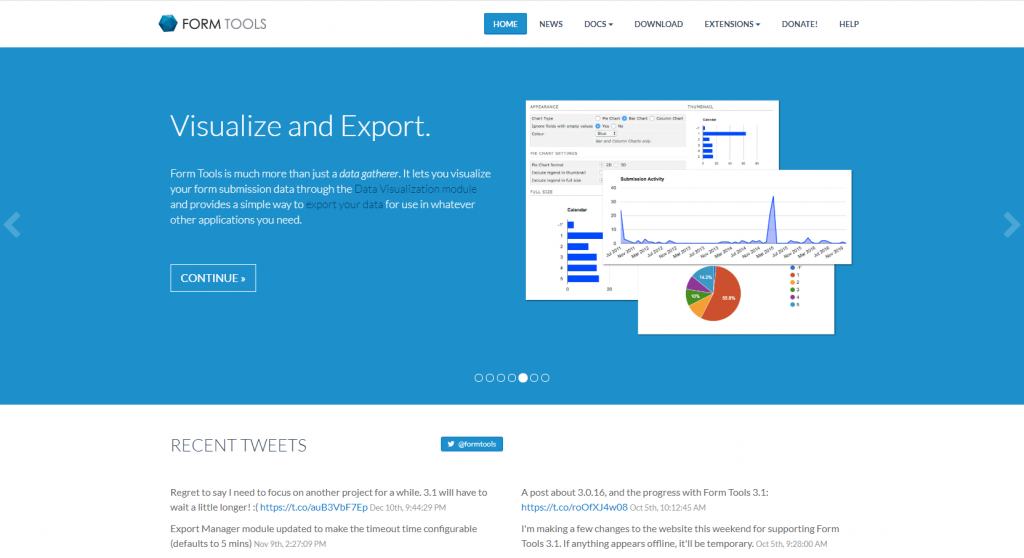
This straightforward online form builder prides itself on flexibility. Form Tools can be used for creating single or complex forms focused on feedback and data collection. In fact, the data from submissions can be displayed and visualized in a pie, column, bar, line and area type charts. This can be quite useful if you’re an agency handling online forms for a client.
If you have a big team, this online form builder allows you to create as many accounts as you need and each can be set up with their own control read and privileges. And because Form Tools is also available in 50 languages, each account can have its own language setting, helpful when you need to reach different audiences.
This form builder app is a free and open-source PHP/MySQL script to be downloaded on your website. Development has slowed, with the maintainer noting the next release is on hold, so check the project’s activity before building on it. Although basic integration is granted, Form Tools provides API extension so you can manually incorporate deeper integrations.
Clearbit Forms
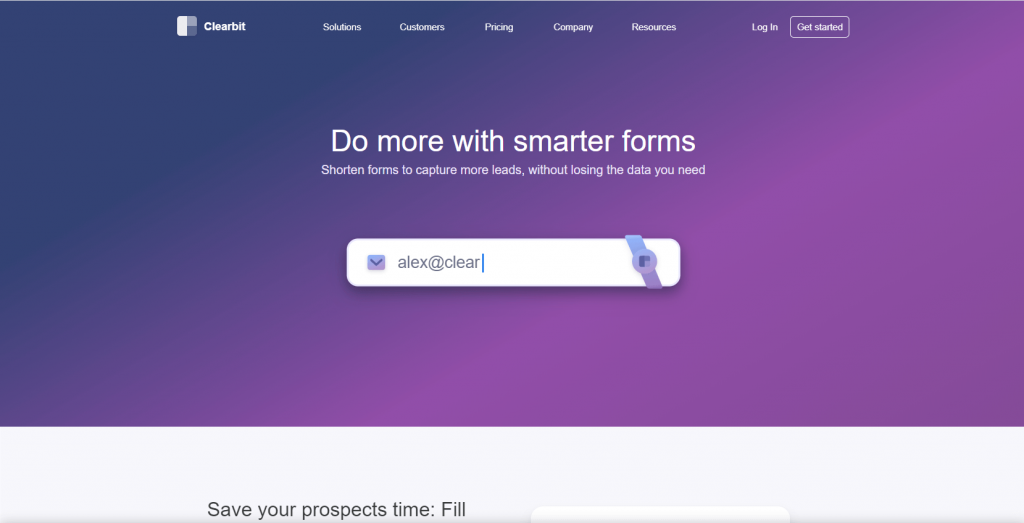
The catchy name of this online form builder lets you know that the focus here is short yet effective forms. Clearbit is now part of HubSpot, but Clearbit Forms is still offered, and it bets on data enrichment technology to automatically catch key information desired in order to shorten a form.
In a highly competitive industry or if you’re still building your name and reputation, then speed can be a business edge. The predictive autofill data by Clearbit Forms finds data from any information given so form fields can automatically be filled, allowing your visitor to change data if needed.
This online form builder also keeps your form short by hiding fields, unless it can’t predict relevant data. This approach might work if you’re looking for sales lead generation over quality data, but it might not be a good idea if you must have accurate data.
FormKeep
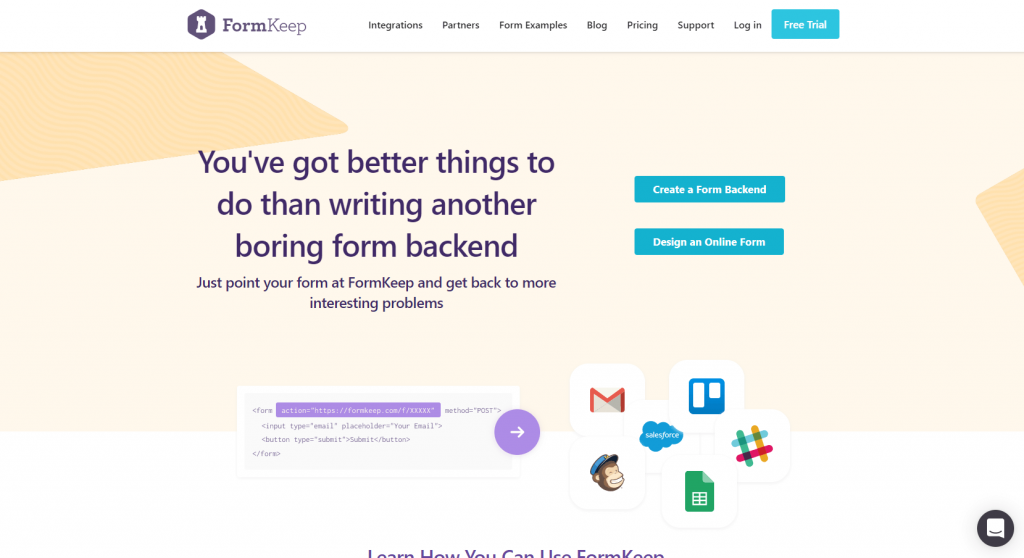
So far, we’ve shown you online form builder options with frontend editors. But FormKeep is a hybrid between coding and drag-and-drop editor kind of a form creator. Their API script is simplified so you can still manually add your own code. This can be handy if you have very specific brand guidelines, for example.
This online form creator promises freedom to customize your form just as you need – even if your need is a new one that no other form builder has thought of covering. However, you’ll need to either know coding or hire a developer to build your form.
FormKeep versatility is offered in a free plan (50 submissions a month) and four paid plans from $4.99 to $99 per month, all very reasonably priced though. And although you’ll get essential integrations and popular features in each plan, the amount of form building allowed is limited.
Conversational Form

We thought of including this specific online form builder in our list since customer service automation is trending. Conversational Form is an open-source framework obviously focused on turning web forms into conversations.
This online form builder relies on conditional logic to create forms in a chatbot-style approach. Only time will tell if people will be comfortable enough to interact with a virtual assistant, but the Conversational Form’s proposition of engaging customer experience is interesting, to say the least.
This form creator software is free and MIT licensed, but again, you’ll need to either know coding or be a developer, and the project sees little active development these days. If you’re looking to introduce your business in a non-traditional approach to visitors, then Conversational Form is a nice try. However, a lead generation goal might not be guaranteed.
Why You Should Definitely Have an Online Form in Your Website
As we’ve mentioned before, there are many reasons why you need an online form. But even if you’re not actually selling a product or a service, an online form can be extremely valuable. Online forms can be an engaging tool to help you collect data about your audience in order to improve or transform your business. Check out these benefits to convince you to want to have an online form on your website:
1. Simple to create
You no longer need to know a computer language or have coding skills to build a responsive online form. With the help of form builder tools, you can create a beautiful and fully functional form to be added to your website.
2. Free form builder tool
There are many form creators available, with different features, designs, and operational modes. But also, some are paid and others free of charge. All things considered, for most of the online form needs, a free form builder will do the job just fine and dandy.
3. Safe data collection
Transparency and safety are key to convince people to give out personal information, and online forms can be a highly secured way to gather data. You may validate credit card information in real-time, while encrypting data against hacking, for instance.
4. Increased credibility
An online form can build – or ruin – your website reputation. Your online form, in a way, represents your business. Visitors will be impressed by a well-designed, well worded professional form that inspires trust and credibility, leveraging your brand awareness.
5. Boost conversions
An online transaction can be a gamble from both sides, but an effective online form can act as a final argument to convert visitors to customers. The right form will guarantee that call-to-action acceptance.
6. Optimize management
It is much easier to manage data from your customers when done in a standardized manner through an automated workflow of an online form. If your online form creator software allows for integration with other platforms, like Google, you can leverage this data more efficiently towards business improvement.
Amazing Online Form Facts
By now you understand that providing an online form on your website for your visitors is very strategic. Online forms can be the easiest way to grow business, drive traffic, generate leads and convert visitors into customers.
For the past decade, more and more businesses have added an online form to their website, which helped not only to improve the process along the way but also to establish a new business pattern. Visitors now prefer and expect a little box to pop up so an easy and safe interaction can be quickly exchanged.
So much has improved since the 1990s, when online forms were very time-consuming and costly, only to resemble a digitized paper form. Design, customization, features, and functionalities are now easily accessible by anyone to build and create their own online form. The details that matter most haven’t changed much: shorter forms convert better, mobile visitors are a majority on most sites, a mandatory phone number or forced account creation drives people away, and a specific submit button label beats a generic one.
Get to know more about FormBuilder and Get Started
If you landed on this post, you’re searching for solutions for your online form needs. We know that there are good online form building tools out there, hence this list, but each focused, more or less, on tackling one problem at a time. We want to introduce you to FormBuilder and explain a bit further about our mission and features so you can see that our form builder is incredibly versatile for individuals, and for small or big businesses.
FormBuilder is a well-rounded free tool that offers you all necessary elements for building a beautiful, fully responsive and automated form. Set up a free account and start building! From the FormBuilder dashboard, you have the freedom to create from scratch, from a template, from an AI prompt or even from a PDF file. Let’s explore FormBuilder benefits further:
User-friendliness – the intuitive interface lets you quickly build your form with ease.
Customization – either from scratch or from a template, you are free to edit everything.
Automation – you set up the entire workflow to be automated as you want.
Data Security – end-to-end SSL data encryption protects your customer information.
Integrations – boost productivity with the native Google Sheets sync, webhooks and Zapier.
Free to start – the free plan includes 5 active forms and 100 responses per month, with no credit card required.
FormBuilder Tools & Features Designed for Increased Conversion
Regardless of the purpose of your online form, whether you’re selling a product or service, collecting RVSP for an event or having students sign up for your class, the common goal is to get submissions. Your safe bet will on an online form builder that covers all basics and takes it further.
FormBuilder allows you to create a responsive form that represents your brand, designed to optimize your workflow, so you increase your conversions. So, it is not only easy to create and publish an appealing beautiful form with FormBuilder, but it also offers tools and features to help you turn data gathering into sales lead generation. These are FormBuilder powerful tools and features:
Responsive Forms
We’ve mentioned that one main reason for form abandonment is a glitchy non-functional form. Your visitors will not experience that frustration, because all forms created with FormBuilder are responsive by default.
Your form will automatically adjust to any device screen (computer desktop, tablet or mobile), so your visitors will get fully functional forms whenever is most convenient to them.
You can choose from a varied selection of pre-optimized templates and preview what it will look like. So you can be assured of how your form will look and work from any device before publishing it.
Notifications and thank-you pages
We wanted forms that interact with visitors, so a communication bridge is created between your business and customers. As soon as a form is filled out, FormBuilder will automatically show a success message to your visitor. It can also automatically notify a relevant team member about this new lead for immediate follow-up.
With FormBuilder, you can set up email notifications for your team and an automatic confirmation email for the person who submitted, with your own subject and message, as simple as switching a setting on.
An online form is not over at submission. FormBuilder allows you to set up a thank you or a welcome message, or redirect your visitors to another landing page, and to push every response to Google Sheets, a webhook, or any app connected through Zapier.
Form Analytics
Many people abandon a form before fully filling it out, and most builders never tell you. FormBuilder’s form analytics show you views, starts, completions and completion rate for every form, so you can see whether a form is losing people and fix it.
With that data, your team can better assess whether a form is too long, asks for too much, or needs to be split into pages, and act on it. You can export all responses as a CSV file or sync them to Google Sheets. All data is secured and protected with SSL encryption.
So, dust off your website and start generating leads with powerful online forms! The best online form builders were designed to help you accomplish this complex task very easily with no coding needed, it will feel like magic. May all your website visitors be wowed this year!