How to Create a Secure Web Form: Best Practices
Today, even a single data breach that exposes user sensitive information is able to irredeemably ruin a company’s reputation and leave it liable for compliance violations.

In our blog’s previous article we figured out how to choose a web form most harmonious to your brand and optimize lead generation with it. This time, let’s talk about customer privacy and learn how to create a secure web form.
People these days pay huge attention to the matter of privacy as they are active online, and that’s no wonder.
The Internet made the information incredibly easy to access… including the sensitive data we share with sites while surfing the web.
As can be seen from Varonis’ cybersecurity statistics roundup, hackers get more and more severe and proficient in their malicious actions, which makes it a must for every business to take proper care of information security and protect the user data its site receives from hijackers and intruders.
Manage Customer Expectations
Security breaches were up 75% year over year in 2024, with organizations facing an average of 1,876 attacks per quarter, according to figures compiled by Varonis. The same roundup puts the global average cost of a data breach at $4.44 million in 2025. Over the years, the number of cybercrime incidents increases proportionally to the value of information.
Today, even a single data breach that exposes user sensitive information is able to irredeemably ruin a company’s reputation and leave it liable for compliance violations.
Needless to say, your visitors, as they fill out forms, expect all the information to be kept confidential and well-protected on your side. This, in its turn, emphasizes that security is another vital component that directly affects the efficiency of branding.
If the privacy policy of your company represents reliability, it will make people more willing to fill out the forms on your site — which surely doubles the benefit. So, the main question is: what are the means to accomplish all the above?
Enable reCAPTCHA or Similar Spam Protection
Without a doubt, receiving piles of spam is annoying! More importantly, email is still one of the main ways attacks reach a business: Verizon’s 2025 Data Breach Investigations Report found that nearly 60% of breaches involve a human element, with phishing among the top initial access vectors. This implies, spam today is one of the most effective forms of phishing practices and ways of infecting computers with viruses and other malicious programs designed to steal, compromise or corrupt one’s personal information.
It is undeniable that email service providers have done a lot to decrease the number of spam messages people receive on a daily basis. However, with the development of AI and Optical Character Recognition (or OCR for short) technologies, bypassing most of the default protection means this is no more a problem for hackers.
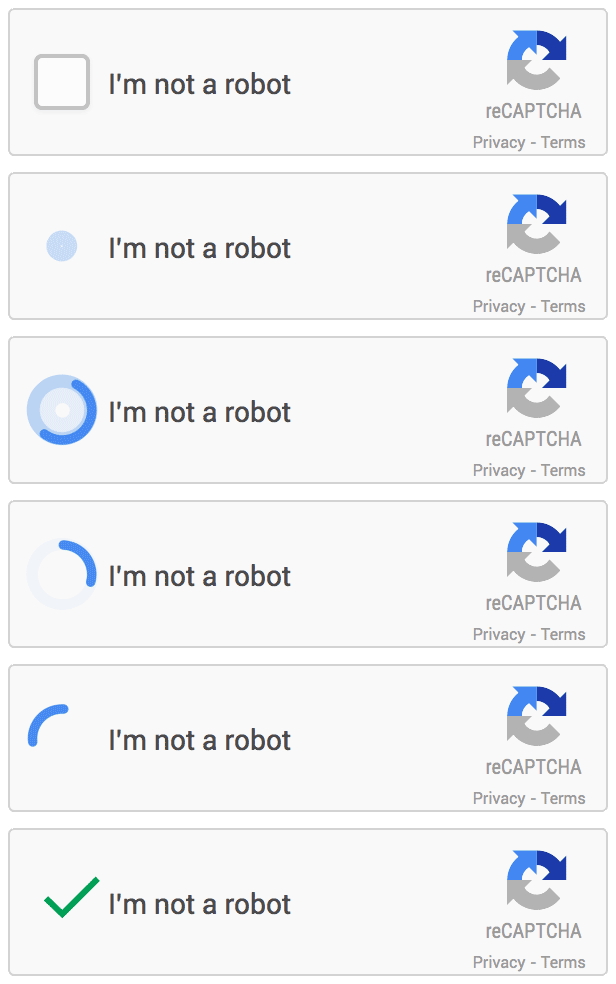
Source: https://developers.google.com/recaptcha
And once a hijacker finds vulnerabilities in your site and gets access to it, your web pages will be flooded with hundreds of spam comments and links. As a result, you can get a significant drop in your SEO rankings, or even find yourself in trouble with Google in the end.
To avert menaces like the above, put bot protection in front of your form. Google’s reCAPTCHA v3 (now part of Google Cloud) scores each visitor in the background without asking them to click on traffic lights, which makes it a good remedy against spam that does not annoy real people. If you build with FormBuilder, the hosted form handles this for you; see how FormBuilder deals with security, spam and abuse.
Customize Field Input Recognition
Whenever you create a secure contact form, input validation is a must. By entering random data into your form fields, a hacker can expose vulnerabilities your site might have, and gain access to it.
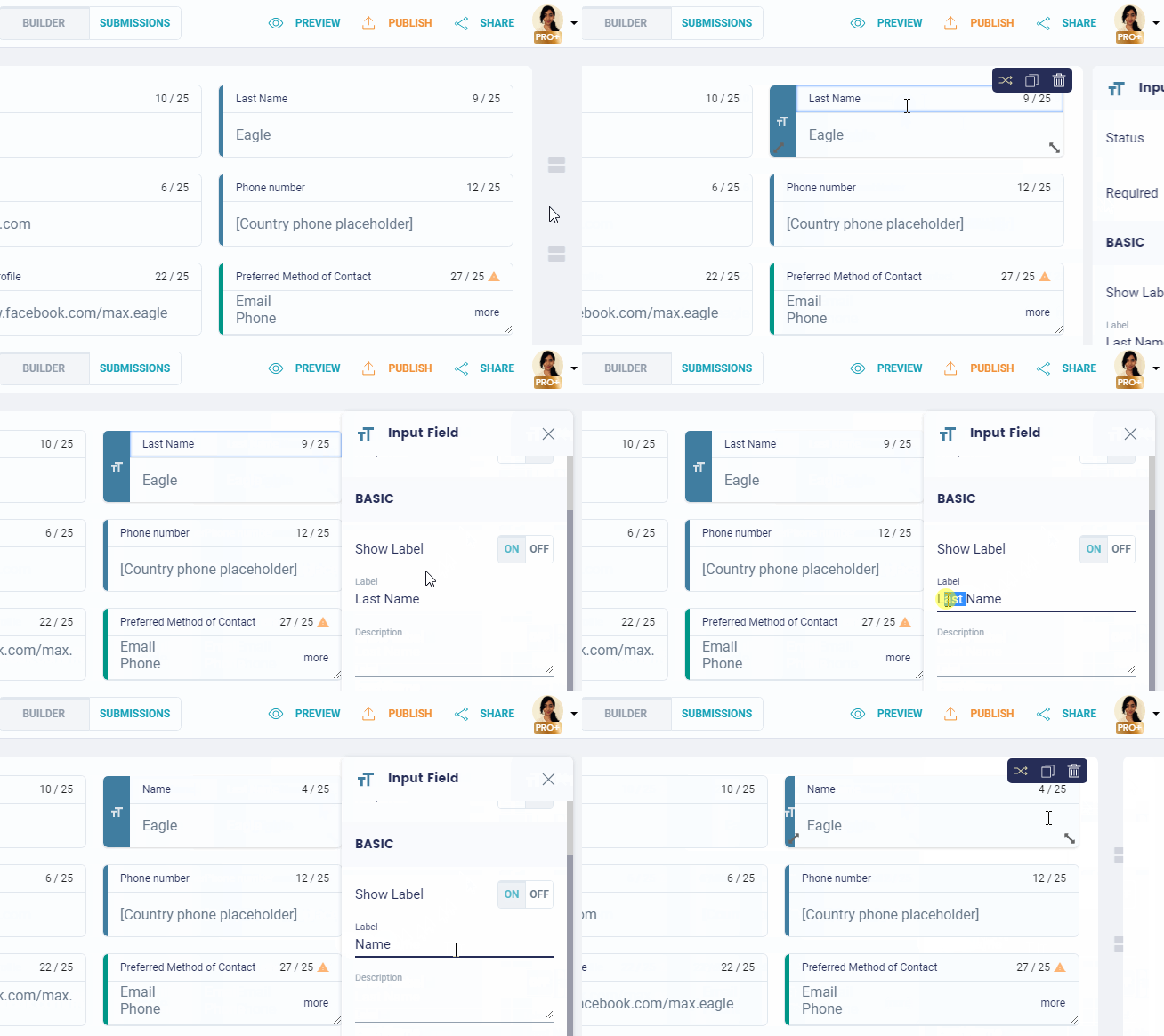
Customization of the field inputs will help you make sure your users are putting into each form field exactly what they are supposed to enter. For instance, if you ask a visitor to provide their phone number, you need to make sure the form field is able to accept nothing else but numbers and related characters (such as parentheses and hyphens).
I know, this may not look like a high-art means of protection. But security is not something you want to neglect, right?
SSL Encryption
We all send and receive a lot of information, including important confidential data like passwords, personal photographs and financial information, as we use the internet. In the event someone steals or tampers with it, it could cause a lot of damage. So, how do we make sure no one does that? Exactly! By using encrypting practices.
Briefly, SSL/TLS encrypts the data in transit between the visitor’s browser and your server, so nobody in between can read or tamper with it. Your form page must be served over HTTPS, and the submissions should be stored encrypted on the other end too. Since it provides core security guarantees for both site owner and a visitor, it is another essential insurance you should consider if you need to create a secure web form and make your customers feel safe with both your site and your brand. FormBuilder serves every form over HTTPS and encrypts stored responses, and a HIPAA plan is available for regulated data.
As a bonus: here is a list of words to use and to avoid. Check it out when working on your web forms to make sure you are using the positive wording that will help you promote trust to your brand.
To Sum Up
As you ask your customers to fill out your form, you seek them to provide you with a certain degree of trust; it is hence in your interest to offer the highest possible reliability. Use these most dependable methods to prevent malicious activity and minimize any possible risks of data breaches, so both you and your customers can sleep peacefully.
You can also save a ton of time when creating a secure web form with all these elements by building your form with FormBuilder. Start building for free.