Top 12 Event Registration WordPress Plugins of 2026
If you already do events management on a WordPress website or are considering getting on board with it, you came to the right place. This is the freshly curated list of WordPress events plugins…
If you already do events management on a WordPress website or are considering getting on board with it, you came to the right place. This is the freshly curated list of WordPress events plugins to help you handle the demand for in-person and hybrid events.
More and more businesses are hosting events as a marketing strategy to get closer to their customers and to reach a broader audience. And technology is enabling large corporations, small businesses, or even individuals to set up events easier, safer, and cheaper than before.
WordPress is by far the most popular online platform used for publishing an event website and it’s easy to understand why. WordPress is free, intuitive and it generates beautiful website pages with thousands of options for extra features and functionalities.

One tool guaranteed you’ll need if you’re hosting a WordPress event registration website, is, of course, an event registration form. Luckily, WordPress has all sorts of plugins for that, which are basically apps you can easily add on and integrate within your page.
There are more than 450 plugins under the “event registration” category on the WordPress directory, so how do you know which one will work best for your project? No need to panic or just choose one randomly.
Let’s go over the basics and then a ranking of the best WordPress events plugins available, so you don’t waste time examining each one of them. You’re welcome.
What is an event registration and why do I need it?
Event registration is the process for guests to formally accept or request attendance to an event.
Attendees usually fill out a form providing key information such as, name, contact, business title, preferences, or whatever detail organizers need to gather to better know their audience.
If you’re throwing a party at your house, wouldn’t you want to know exactly who’s coming? As a host, you would want to plan your party accordingly and delight your guests. Maybe you wouldn’t mind walk-in guests showing up, the more the merrier, right? But knowing in advance who your guests are, will help you throw a memorable party AND keep its costs within budget.
This same reasoning can be applied to your business event. But more than getting to know your attendees or ballparking a headcount, an event registration form is ideal to sell tickets and collect payments, in case of paid events.
And you can add your event registration form right onto a page of your WordPress website with the help of WordPress events plugins.
Besides, online event registrations forms that follow best practices are much more attractive and convenient, increasing not only the number of registrants but your productivity as well. The automation of the event registration workflow is a win-win situation for everyone!
The 12 Best Event Registration Form Plugins on WordPress Right Now
You can maximize the power of the platform’s publishing services by accessorizing it with additional features by WordPress events registration plugins. But in order to guarantee your ROI and get great results, choosing the right form builder plugin is critical to boosting your event registrations.
Searching for plugins on WordPress is simple: click on the “Plugins” tab on the main page and then type in on the search field the feature or functionality desired. WordPress will then present you all plugins from its directory with the keywords that you’ve typed.
We have analyzed all WordPress events plugins available right now to rank the best for you.
We have tallied them according to critical attributes that should be offered by an event registration form plugin, not just the number of downloads or reviews.
The best event registration form plugins have high usability, customization, integration, and most of all, automation.
Equally important, how frequently the event registration plugin is updated and maintained, and if it offers speedy tech support. Below is our ultimate list of the best WordPress events registration plugins ranked:
1.FormBuilder
Yes, we begin by tooting our own horn simply because we are very proud of our tool. FormBuilder was developed in order to provide solutions that we couldn’t find in any other form builder. FormBuilder isn’t a WordPress plugin; it’s a hosted form builder whose forms embed on any WordPress page, which means one form can serve your WordPress site, a landing page, and a link in your email campaign at the same time.
FormBuilder is a form builder specialized in workflow automation and lead generation. It has a flexible and easy-to-use interface and offers features to create custom automated online forms from scratch, from an AI prompt, or from a free template.
It is the perfect solution for building a flexible registration form for your event because it drops smoothly into your WordPress page. Build the form, click Publish, copy the embed snippet, and paste it into a Custom HTML block on your event page. We’ll go over FormBuilder solutions for events management in depth along with a tutorial ahead, but here’s a peek:
- All the field types a registration needs: full name, email, phone, address, date, dropdowns, checkboxes, file upload, star rating, signature and calculation fields;
- Automated workflow, from registration to follow-up, with email notifications and a Google Sheets sync;
- Responsive forms on any device (desktop, tablet, or mobile);
- Drag and drop editor facilitates repositioning any field
- Variety of customizable templates available for the events industry
- AI form generator that drafts a registration form from a one-line description
- Form analytics that show views, starts and completions for every form
- Seamless integrations (Google Sheets, webhooks, and 6,000+ apps through Zapier, including Mailchimp, HubSpot, Slack, Zoom and Google Calendar)
- Customizable thank-you messages and redirects after submission
- Easy duplication of forms for multiple or recurring events
- Scheduled forms and access controls to automatically avoid late registrants, plus password-protected forms for private events
- Conditional logic and multi-page forms to keep long registrations short for each attendee
- Payment collection powered by Stripe
2.Events Manager
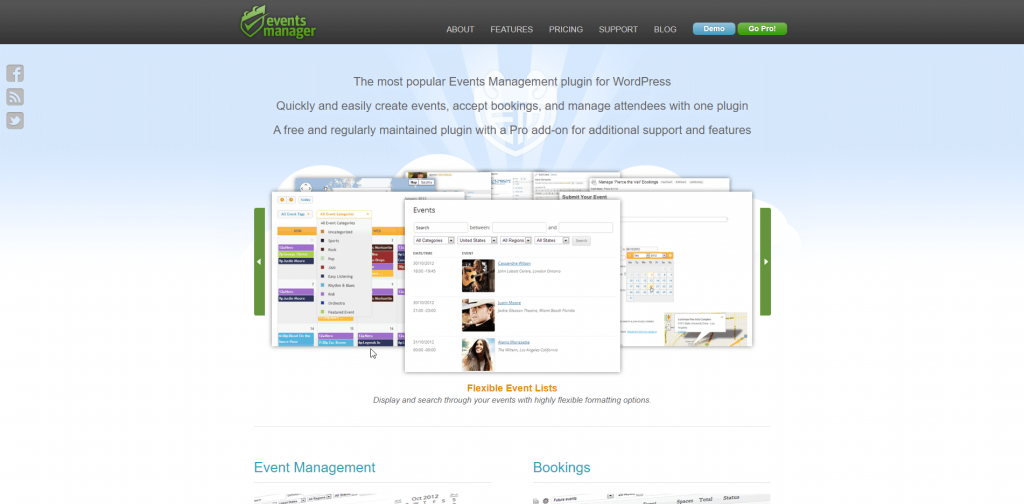
The Events Manager plugin ranks high on this list because it’s been around for quite some time, being now on its seventh major version. As the name suggests, Events Manager is completely focused on event management only, whereas other plugins can be used for other purposes, such as CRM and sales lead generating tools. But being limited to just event management places this plugin among the most comprehensive tools for event planners juggling between projects.
Their main feature is booking management flexibility for all types of events, like single day, recurring or long (multi-day) events. The Events Manager basic version will allow you to quickly set up an event registration page, guiding you on what’s essential if you’re not a professional event planner. But their pro version ($99 per year for one site) allows for advanced setups like payment options and multiple bookings. Prices checked September 2026.
If even more features and functionalities are needed, Events Manager allows for advanced usage. They offer Flexible Developer API access, but it requires users to have HTML knowledge, like adding conditional placeholders, for instance. The Events Manager also offers thorough documentation and tutorial for support.
3.RegistrationMagic

The RegistrationMagic is a form builder for user login registration in general. This plugin focuses on login setup, especially for control of tracking submissions. RegistrationMagic allows users to monitor incoming form submissions and activities, like payment, from its dashboard.
Their free plan is quite limited, but their premium plan ($89 for one site, with a year of updates), offers a complete User Management module integrated within the RegistrationMagic plugin, working as the central hub for registrations within WordPress. That comes in handy if you need to approve registrants, helping you build a simple or complex registration approval system.
If your event has limited seats, RegistrationMagic helps you control registration spots. It allows you to automate a booking time window or to limit the number of bookings per person.
4.Event Espresso 4 Decaf
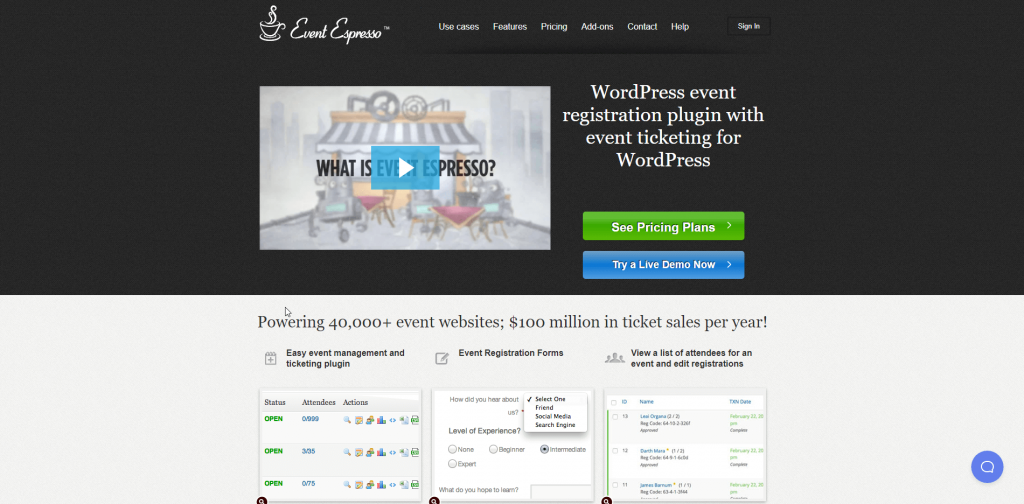
Event Espresso is another all-around event manager plugin, from registration form submissions to tickets sale. This plugin allows users to quickly create events within the WordPress admin area, heavily focused on ticketing and payment collection, using PayPal Express Checkout.
Their free version includes basic event management to help you sell tickets, including automated confirmation emails and registrant data export. But there’s an Event Espresso premium version available for additional features like adding a calendar, including another payment gateway, option for manual registration and transaction reporting.
5.Ticket Tailor

As the name suggests, this WordPress events plugin is just for handling ticket sales. The Ticket Tailor WordPress plugin allows you to embed event registrations seamlessly within your event page focused on ticket sales.
It is a paid plugin that offers comprehensive features to manage event registration and payment collection via PayPal, Stripe, or direct payment.
Ticket Tailor offers registration forms that can be edited and customized to help you create multiple ticket types for your events. This plugin stands out for those looking for an e-ticket management tool, easily adding barcodes and QR codes to your e-tickets, along with a barcode scanning entry system for quick event entry.
If you’re tracking sales and promotion, the Ticket Tailor plugin allows you to trace backlinks that led people to find your WordPress event registration page. It is also possible to include discount codes within your registration form.
6.Event Tickets
Event Tickets is the free ticketing and RSVP plugin from the team behind The Events Calendar, with over 90,000 active installs. It works on its own or alongside The Events Calendar, so you can sell tickets or collect RSVPs from any post or page.
The free version includes Tickets Commerce, a built-in checkout that takes Stripe or PayPal without API keys, plus free and paid ticket types, attendee and sales reports, confirmation emails, and inventory countdowns. The paid Event Tickets Plus add-on unlocks custom registration fields, WooCommerce checkout with more gateways, digital wallets, QR code check-in and a mobile ticketing app.
7.Amelia
Amelia started as an appointment booking plugin and now covers event registration too, with over 90,000 active installs. This plugin is definitely helpful for instructors, studios and workshop hosts because it manages calendar availability alongside the event signup.
The free Amelia Lite version lets you create single or multi-day events, embed an event list and booking form with a shortcode, take payments through Square, and send email and SMS notifications. The paid version adds multiple ticket types and prices per event, deposits, recurring events, automated reminders, and Zoom, Google Calendar, Stripe and PayPal integrations.
8.Registrations for the Events Calendar
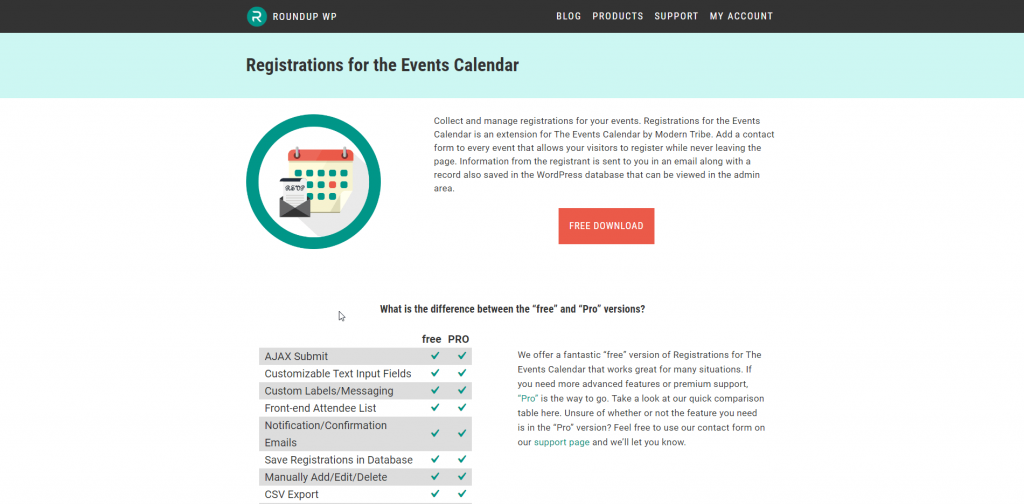
This WordPress event registration plugin is a complement to its parent plugin, the Events Calendar, both free of charge. Registrations for the Events Calendar is dedicated, as its name suggests, to the crucial part of every event, the registration process.
Registrations for the Events Calendar offers registration forms for all kinds of needs, from a single meetup to a multiple-day event. This plugin provides flexibility to help you manage RSVPs, venue bookings, webinar sign-ups, club registration, among other possibilities.
Besides customizable forms, Registrations for the Events Calendar offers an option to keep your registration form initially hidden in your WordPress event registration page, so it looks uncluttered. Attendees can also unregister, using a link provided to cancel registration anytime.
9.Quick Event Manager
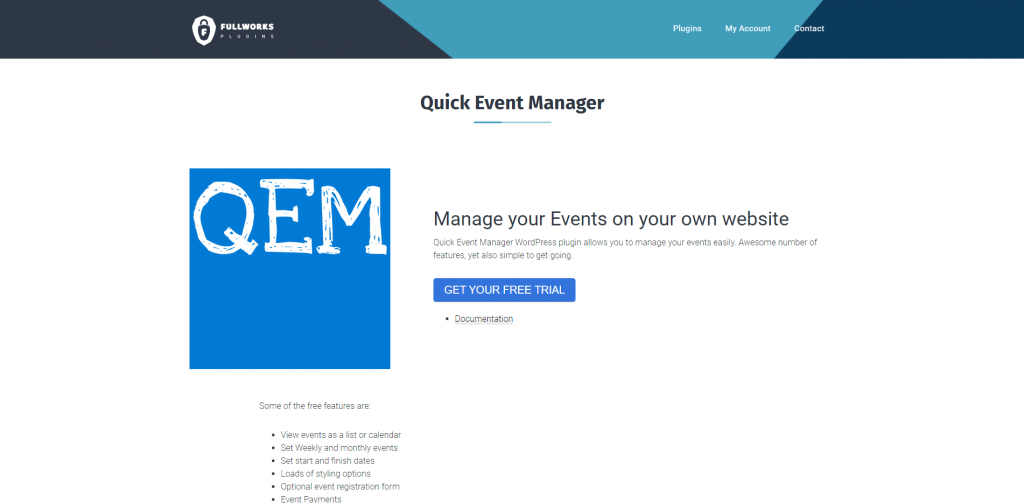
Quick Event Manager presents itself as an event creator, mainly focused on the presentation of the essential information on a standard event page, with a built-in event registration form. The name of this plugin hints at its purpose: it is a tool that enables the quick generation of an event registration page using its preformatted layout.
The straightforward approach of Quick Event Manager certainly helps those looking for a quick solution, where all events created are listed in shortcode. Although you can edit and somehow customize your event registration page, it is limited to two blocks (one for event list, another for event calendar), but you can’t add more fields or style events individually.
This WordPress plugin is designed to provide basic and standard event registration on the go. If you don’t need or don’t want to personalize your event registration page, then Quick Event Manager will get you covered with an event calendar, registration form, and payment acceptance.
10.WP Event Manager
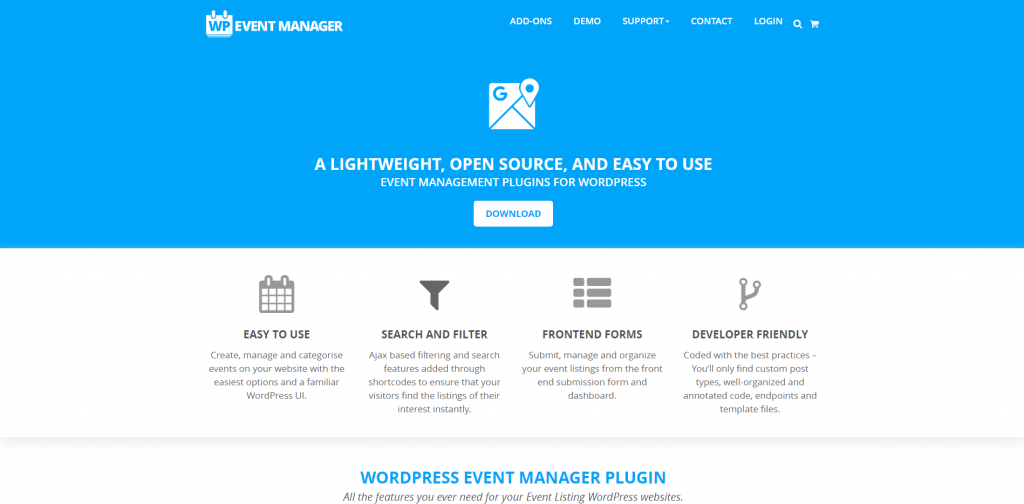
Another all-around event management tool, WP Event Manager is a WordPress events plugin that provides lightweight and scalable event registration management. The events will be listed in the shortcode and it allows for easy setup and customization.
WP Event Manager features fully responsive forms and is fully compatible with almost any WordPress theme, and offers cross-browser support (Opera, Firefox, Chrome, and Safari), besides being mobile-friendly. As add-ons options, you can enable additional functionalities, like Google integration, Bookmarks, or a carousel-style presentation of events listings.
The WP Event Manager stands out with multilingual translation, offering international event registration and support in more than 40 languages, and developer options to translate it and add to other languages not currently supported.
11.Event Booking Manager for WooCommerce (Evently)
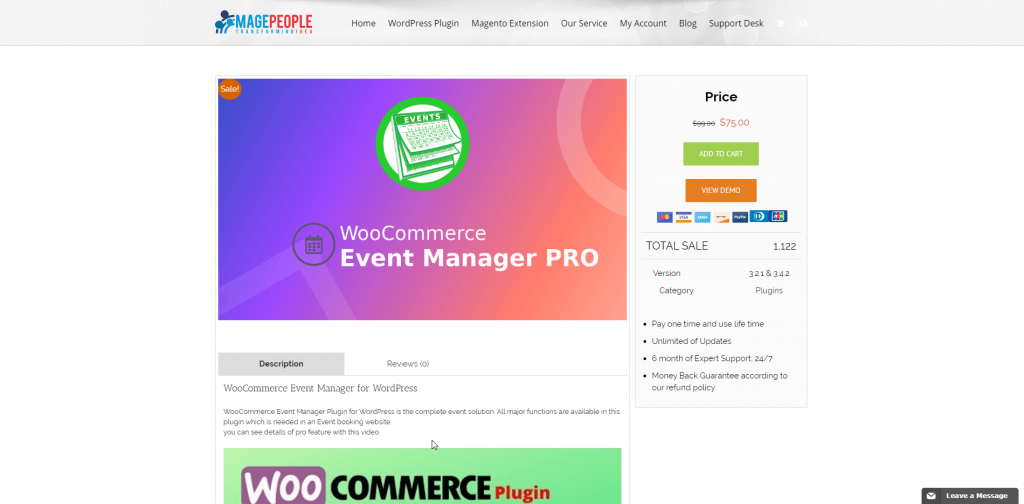
This WordPress plugin is an event registration extension to WooCommerce, the open-source e-commerce for WordPress. It actually uses WooCommerce’s popular payment gateway for event ticket sales.
The free version of Event Booking Manager for WooCommerce, formerly WooCommerce Event Manager, offers basic responsive and SEO- friendly event registration forms with cross-browser support (Opera, Firefox, Chrome, and Safari), compatible with any WordPress theme. But if you need to customize your event registration form and set up automatic confirmation messages, then you’ll need the Pro version of this plugin.
WooCommerce Event Manager can be used alone, but it was designed to complement WooCommerce users, so they can sell event tickets, along with product sales. However, their support allows products and tickets to be sold and managed separately.
12.Event Management Tickets Booking by Event Monster
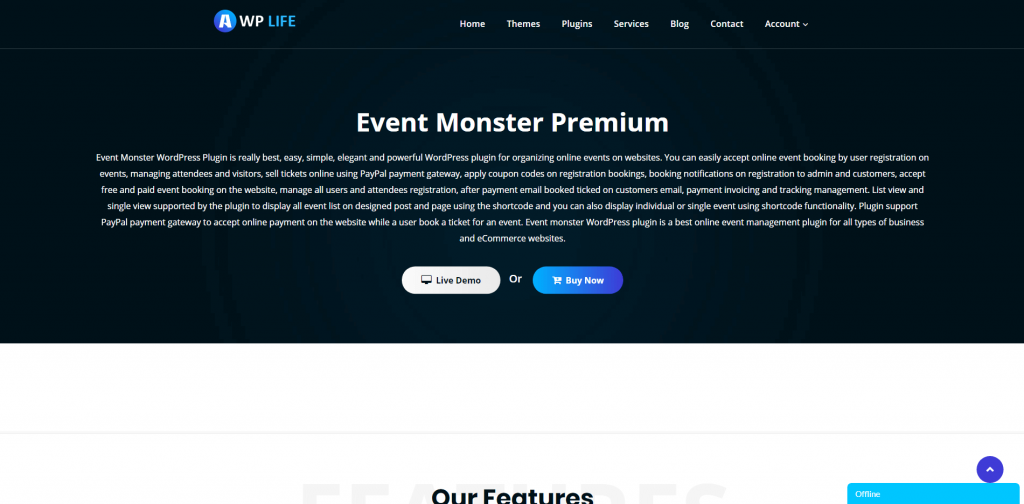
This free WordPress events plugin offers beautiful event pages with an easy interface. Event Monster is designed to support all elements of an event organization, from booking to registrations, payment systems to notifications.
Event Monster WordPress plugin allows users to create and manage single or multiple events from an admin dashboard. Every layout can be fully customized and personalized, even allowing for custom CSS to apply your own design.
With this plugin, the event registration process can be done onsite or it can be directed to a third-party website registration. Event Monster allows users to focus on whatever part of the event registration process they feel is more important, by allowing others to be automated.
Why create an Event Registration Page in WordPress
If you’re already familiar with WordPress, or even maybe an avid user, then you know that you can get a lot of impact with this platform.
And if you’re a new user, you’re about to become an enthusiast, because WordPress is a very user-friendly publishing tool that delivers professional and agency-like design quality to anything web-based. And it’s free too! Although there is a premium option if you need access to more refined features.
WordPress first came out as a blog-publishing system in 2003, revolutionizing the way people created and published content online. Before WordPress, if you wanted to publish something on the web, you had to know a computer language like HTML or hire a developer to do it for you.
Since then, WordPress has evolved into an open-source content management system, used by more than 40% of all websites currently online. WordPress supports not only personal blogs now, but also other types of web content like mailing lists, forums, media galleries, membership sites, online stores, and our case in point: event registration websites.
Benefits of hosting your event registration page with WordPress
There are many options out there that can be used to host an event registration website, even a Facebook page might do. Sure, there are other alternatives too when it comes to website builders. But over the past decade, WordPress has proven to be a robust platform loved by millions of content creators worldwide.
Check out these advantages that makes WordPress such a popular choice among users hosting event registration pages:
- Cost-effective;
- Great variety of themes, or layouts, all customizable;
- No need to know computer language, coding skills, or programming;
- User-friendly and easy to navigate;
- Thousands of plugins in order to have features and functionalities added;
- Search Engine Optimization ready;
- Update or edit your site anywhere, even from your mobile phone;
- Monetize your event registration website if you want, by allowing ads;
- Create an online store to sell goodies, merch, or tickets;
- Seamlessly add an image gallery or a promotional video of your event;
- Total social media integration;
- Highly secure platform against hacking;
- Effortlessly duplicate pages for recurring or multiple day events;
- No third parties involved nor middleman, you’re in control;
- Collect payment online directly with an embedded payment form;
- Get a responsive mobile version of a registration form without a hitch.
What are WordPress Plugins?
WordPress plugins are software apps integrated within the main software that allows users to add any kind of functionality needed, just like a menu on your apps store on your cell phone. There are tens of thousands of free plugins available on the WordPress.org directory.
First, you select among different themes (or layouts) to create the basic page for your event registration website when using WordPress. You can style it as you want to make it look like your own, like adding your logo, and make it as attractive as you want.
Then, in order to create specific elements, you select a WordPress plugin, so you can customize functions and features. You can add to your main page a chat space, a survey, a voting poll, and many other business-enhancing features.
For an event registration site, you’ll absolutely need a form builder to create, customize and insert a responsive registration form. We’ll show you ahead how to embed a FormBuilder form on your WordPress page.
Creating your WordPress event registration page
As promised, online event registration setup can be uncomplicated, effective and who knows, it might be fun to play the web designer role and let your creative juices flow!
Using WordPress for this purpose is surprisingly easy and you’ll have a beautiful event registration page running in no time.
You’ll first need to accessWordPress.org and then click on the “Get WordPress” button at the top-right corner to download the software if you haven’t had it installed yet on your computer, or choose the WordPress app from your app store on your smartphone.
The installation process is simple and it will take less than 5 minutes. You’ll also need a login account, if you don’t have one, then you’re good to go.
Browse through the themes options and choose one that best captures the context and concept of your event.
You’ll really want to make a good impression at first glance and avoid mixed messages, so choose a fancy theme for a fancy event, a formal theme for a formal event, and so on.
Ideally, your WordPress event registration website will work as a little peek or an insight into your actual event.
How to set up a WordPress Event Registration Page
Now that you have WordPress.org installed on your device and have logged on, it’s showtime, baby! WordPress is very intuitive but if this is your first time around, let’s walk through each step of having your event registration page set up:

1) Choose a hosting provider
Any website needs a hosting service and if you never subscribed to one, there are thousands of options, offers, and costs. WordPress does recommend a few that work well with their platformhere, and one option even offers a free domain name.
Since we’re talking about a single event registration page with no other complex ramifications, then no need to go fancy. A simple and reliable web host that provides basic support would be fine.
2) Select a theme
As mentioned before, the beauty of WordPress is its theme selection. There are options for different occasions and purposes, all customizable. You may even choose one recommended specifically for events or adapt from another category by adding event management plugins.
Your event – your vision, but there are a few things to keep in mind. Do check if the chosen theme has had recent updates by its creator since it’s best to avoid a rarely updated layout so you dodge any system glitches in the future. Its ratings and reviews should give you enough clues, do check them out.
Also, choose a theme that supports a mobile-friendly design, since the mobile traffic is almost surpassing desktop access. Most of the people interested will most likely visit your event registration page on their smartphones.
3) Customize your theme
This is when you edit your WordPress event registration page theme with information about your event. Lay out key information in order of importance (what, when, where, who) and preview it for clarity (and double-check for spelling).
Add your own images or use free domain pictures that might relate to your event. You can even add a profile picture of your speaker, for example. Play around with colors and fonts to set the tone of your event.
4) Add a WordPress events plugin
Now that you’ve given information about the event, it’s time to get information back from interested people.
Sure, it’s nice to provide an email or phone number for people on your Contact Us page in order to reach you about the event, but a registration form will help you get the right information in a standardized manner.
Besides, people tend to accept an offer when signing up for something that is handy, easy, and transparent. All you need to do next is to add a block and drop in an event registration form, either from one of the plugins ranked above or by pasting a FormBuilder embed snippet into a Custom HTML block.
5) Go live
By now, you have selected a theme, edited out information, and added a responsive event registration form, so you’re good to go! Click on Preview to see exactly how your event registration page will look like to visitors. Check everything twice and then hit the Publish button.
With your WordPress Event Registration Page now live, you should test out all its functionalities from different devices (computers, tablets, and smartphones) to see if everything is working properly.
If you want or need to have anything changed, don’t worry, WordPress allows you to edit anything, anytime. Also, if you want to go live on a specific date, you may schedule it to do so.
Building Forms on WordPress with FormBuilder
Now that you’ve had an overview of the best WordPress event registration plugins available, we invite you to try FormBuilder and experiment for yourself. Once you have created an appealing WordPress event registration main page, it is time to add the registration form into it so interested people can sign up for your event. There’s nothing to install: you build the form in FormBuilder and paste the embed snippet into your page.
As we’ve described earlier, FormBuilder is a form builder specialized in workflow automation and lead generation.
It has a flexible and easy-to-use interface and features to create personalized online forms from scratch, from a PDF form, from an AI prompt, or from a template.
And when it comes to editing, you’re in full control because FormBuilder lets you reposition any field, select fonts, colors, and layouts, and much more. After the basic structure is chosen, you may customize it with your logo, company colors, add other features, so play around with it to see which way looks and works better for you. You can then preview it from any device to test its responsiveness and general appearance before deciding to publish it.
FormBuilder Solutions for Events Management
FormBuilder is a complete package solution for your event registration form. Instead of adding different plugins for each functionality needed, turning it into a time-consuming task, simply get everything done with FormBuilder.
In fact, having too many plugins on your WordPress website will affect its performance, its loading time, and cause site crashes. Not to mention the security breach it might imply. A hosted form adds one small snippet to your page and nothing to your plugin list.
When it comes to selecting a form builder for your event, choose a reliable one that gets you fully covered and that provides smart resources to handle every detail of your event. Here’s what you get with FormBuilder:
Inviting Form Design
Your event registration form must be inviting at first glance. Gotta make those visitors WANT to be part of your event. Why offer a generic, boring, or restricted event registration form when you can customize it as your event collateral?
FormBuilder allows you to edit any element or field of your form, adding your own images, headings and descriptions. See our customize form design guide for the details.
Tailored Input Fields
We know what the events industry needs in a form in order to get the right info from registrants. But it has to be user-friendly as well. The versatility provided by FormBuilder will allow you to create forms in any layout. Use conditional logic to create a conversational flow, prompting only questions related to the attendance choice previously entered, for instance, and split a long registration into pages with a progress bar.
Your form can also tell registrants when event registration will take place or if it is closed, with scheduled forms and access controls: set an open and close date, and the form stops accepting registrations on its own. See scheduling and access controls.
Customer Experience
Delight your attendees right off the bat. Keep the form short, ask for what you need, and use dropdowns and checkboxes where a quick click will do. FormBuilder also saves answers as registrants type, so when they need more time or more info to complete their registration they can come back later, from any device, and pick up where they left off.
If you need registrants to accept terms or a waiver, add a signature field so they can sign right on the form. If your event targets tourists, consider a short form in more than one language; FormBuilder can duplicate a form so you can translate a copy.
A final touch is to confirm registration. You can customize an automatic success message or redirect right after submission, and send the registrant an automatic confirmation email, with your own subject and message, alongside email notifications to your team. Perhaps even automatically redirect them to your merch store to get them excited for your event.
Calendar and Video Invites
Managing one event is already a handful, but FormBuilder can make it easier for managing multiple events. Through the Zapier integration you can add each registration to Google Calendar, register attendees for a Zoom webinar, or add them to a Mailchimp audience, all automatically. Responses also sync natively to Google Sheets, so your team can see the attendee list as it grows.
Payment Forms
Paying for an event’s ticket should be as easy as the signup. And FormBuilder enables you to provide a secure payment option right on the event registration form. If you’re hosting a fundraiser event, then a payment form will be a convenient way for attendees to submit their donations.
FormBuilder uses Stripe as its payment gateway, with no platform fee added on top of Stripe's own fees. Use the calculation field to add up tickets, merch, multiple attendees or dates, in order to charge registrants for the total cost.
How to build your event registration form with FormBuilder
Even though we’ve talked about creating a WordPress event registration page and then build an event registration form, alternatively, you may invert the order. Start with the form first, if you wish, directly in FormBuilder and then add it to WordPress. You have the freedom to work either way.
Let’s explore in-depth now how to get a FormBuilder form onto WordPress:
Embedding
-
Create your form in FormBuilder, from a template, from scratch, or with the AI generator, and click Publish.
-
In the publish panel, copy the embed snippet (or the share link if you prefer to link out).
-
In the WordPress block editor, open your event page, add a Custom HTML block, and paste the snippet.
-
Preview and update the page. The form is live, and any changes you make in FormBuilder show up on your page without touching WordPress again.
When creating your first form, FormBuilder walks you through each step. Or you can follow the steps in our publish, share and embed guide.
Final Takeaway
Remote events are not going away, rather, the hybrid events model has become the norm alongside in-person events. The forecast for the industry is a positive one.
With companies and attendees eager to meet in person, the global events industry is expected to reach $2.5 trillion by 2035, according to a forecast by Allied Market Research.
After all, events provide networking opportunities and are a great way to promote a brand. But the key to a successful event and a great turnaround is trusting the event registration workflow to the right tool. WordPress is absolutely a great platform to create beautiful event registrations pages and it enables users to go further and automate the whole process with WordPress events plugins. It is time now to impress your audience and convert visitors into attendees and sales leads.